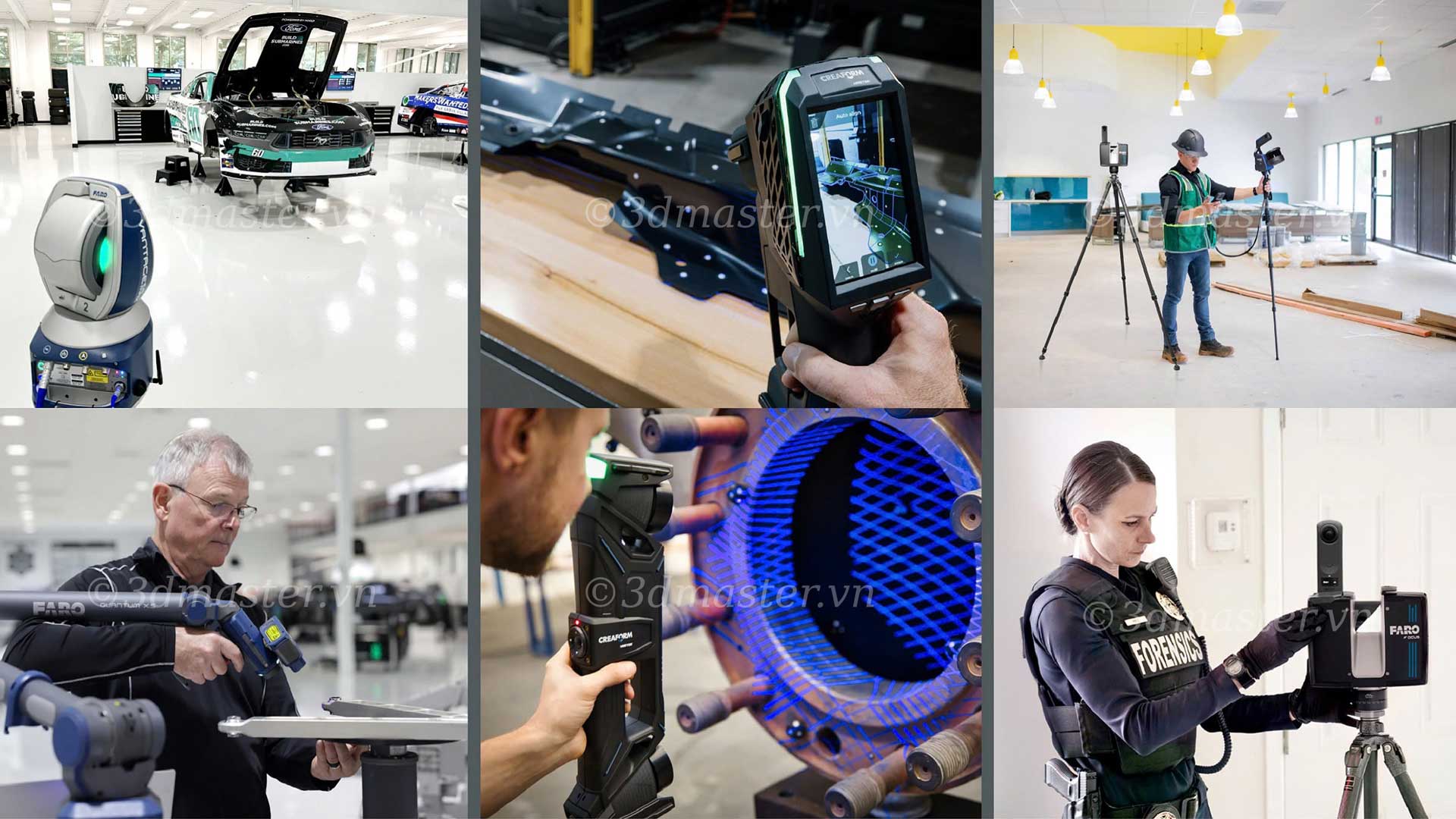
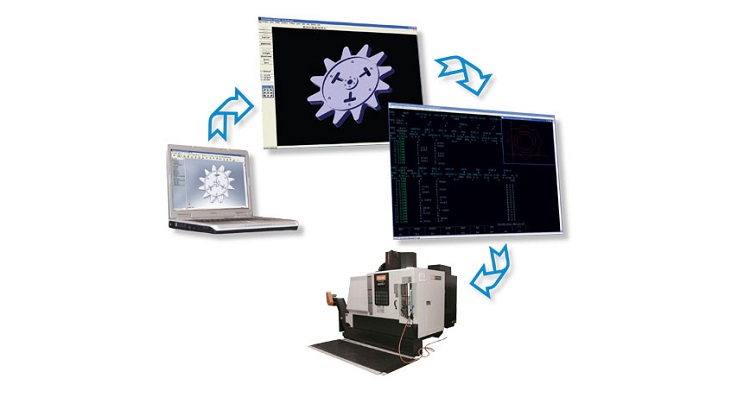
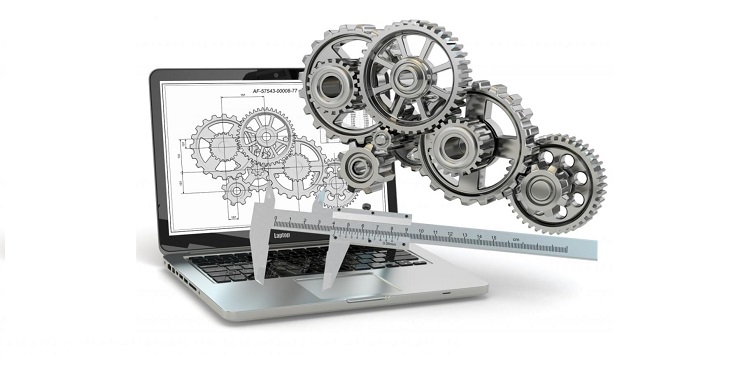
AutoCAD mechanical drawings are essential for machining, repairing, and manufacturing machine components. However, when original drawings are missing or a part has a complex shape, measuring and recreating basic mechanical drawings can be time-consuming. Combining 3D scanning with reverse engineering helps capture geometric data more quickly, supporting CAD modeling and the production of accurate technical drawings. This approach is also a useful alternative to conventional mechanical AutoCAD drawing exercises.
AutoCAD mechanical drawings are technical drawings created using AutoCAD software to represent the geometry, dimensions, tolerances, and technical requirements of machine components. These drawings support design, CNC machining, assembly, inspection, and equipment maintenance.
In many real-world situations, drawing creation does not start with a paper design but instead begins with an existing physical part. Common scenarios include:
Lost or missing original drawings: Design data must be recovered to reproduce a component without having to design it entirely from scratch.
Reconstructing obsolete components: Damaged or discontinued parts need to be digitized to create replacement components.
Design improvements: Dimensions, structural features, or mounting positions need to be modified based on the actual part.
Digitizing mechanical data: Converting physical geometry into CAD data for storage, editing, and reuse in future projects.
For simple components, dimensions can be measured using calipers, micrometers, and other suitable instruments before creating the drawing directly. For parts with multiple curved surfaces, grooves, or complex geometries, 3D scanning provides a more convenient way to capture geometric data.
.jpg)
Both manual measurement and 3D scanning can support the creation of AutoCAD mechanical drawings, but each method is suited to different types of components and requirements. Choosing the right approach helps reduce data acquisition time while meeting technical requirements.
| Criteria | Manual Measurement | 3D Scanning |
|---|---|---|
| Suitable components | Simple parts with few geometric features | Complex parts with curved surfaces or irregular geometries |
| Data acquisition method | Measuring individual dimensions with suitable instruments | Scanning surfaces to capture 3D geometric data |
| Measurement time | Can be lengthy when many locations must be measured | Can reduce data acquisition time for complex components |
| Output data | Measured dimensions | Point clouds or 3D meshes representing the surface |
| Limitations | Difficult to measure complex geometries or inaccessible areas completely | Requires data processing, CAD modeling, and verification of functional dimensions |
| Implementation cost | Generally lower when only a few dimensions are needed | Requires suitable equipment and software; cost-effectiveness depends on the scope of work |
In many cases, businesses can combine both methods by using 3D scanning to capture the overall geometry and then taking additional measurements of critical dimensions with appropriate measuring instruments.

Modern 3D scanning technology has transformed how engineers approach reverse engineering and technical drawing extraction. Instead of spending hours manually measuring hard-to-reach areas, this technology offers several key advantages:
Comprehensive geometric data acquisition: 3D scanners capture the shape and surface of a component, including curved profiles and geometric features that are difficult to measure directly.
Reduced manual measurement: For parts with numerous geometric features, 3D scanning minimizes the need to measure each location repeatedly.
Reduced measurement errors: It helps minimize human errors when using calipers or micrometers to measure difficult-to-access areas.
More efficient reverse engineering: It provides intuitive 3D mesh data that CAD software can use to identify hole centers, axes, and profiles for model reconstruction.
Reference data for inspection: It enables direct comparison between the actual geometry of a machined part and the original design.
The key advantage is that 3D scanning shortens the data acquisition stage, but it does not completely replace the design process. Engineers must still determine nominal dimensions, tolerances, fit requirements, and other necessary technical specifications.
Note: 3D scanning is not automatically more accurate than every manual measurement method. Actual accuracy depends on the equipment, scanning conditions, data processing, and inspection requirements of each component.
.jpg)
To convert an actual machine component into a basic mechanical drawing suitable for manufacturing, follow these steps:
Step 1. Inspect and identify the component's characteristics: Assess the material, surface finish, and overall dimensions to select suitable scanning equipment.
Step 2. Perform 3D scanning of the actual mechanical component: Use a dedicated 3D scanner to capture point cloud data across the object's entire surface from multiple angles.
Step 3. Process the 3D scanning data: Remove noise, fill surface holes, and optimize the mesh file using specialized software such as Geomagic Design X or PolyWorks.
Step 4. Build a 3D CAD model from the scan data: Apply reverse engineering to reconstruct an accurate solid model based on the required technical specifications.
Step 5. Create a 2D mechanical drawing in AutoCAD: Transfer the 3D model to AutoCAD or export it in a compatible format to arrange orthographic views, sectional views, dimensions, and tolerances.
Step 6. Inspect and finalize the drawing: Review assembly tolerances, surface finish symbols, and title block information before releasing the drawing for production.
.jpg)
If you are facing challenges with measurement, reverse engineering, or digitizing technical drawings with high accuracy, 3D Master is ready to support your business.
3D Master provides industrial 3D scanning solutions to help businesses digitize physical components, reconstruct CAD models, and establish data foundations for mechanical design and manufacturing.
With more than 10 years of experience distributing Creaform 3D scanning equipment in Vietnam, 3D Master helps businesses select solutions suited to their specific engineering requirements:
3D scanning of mechanical components: Captures surface geometry and supports the digitization of parts with complex profiles.
Reconstructing drawings from physical components: Combines scan data with reverse engineering to build 3D CAD models, providing a foundation for creating AutoCAD mechanical drawings.
Deviation inspection support: Compares scan data with CAD models to assess geometric deviations and support quality control.
Specialized equipment consultation: The technical team helps select equipment and scanning methods based on component size, surface characteristics, and accuracy requirements.
In summary, creating AutoCAD mechanical drawings from existing machine components becomes faster and more convenient when 3D scanning is combined with reverse engineering. This solution helps businesses reduce measurement time, reconstruct geometric data, and establish a reliable foundation for machining and replacement part manufacturing. Contact 3D Master for advice on suitable 3D scanning solutions to digitize components and accurately reconstruct technical data for real-world manufacturing needs.
3D Master Contact Information:
Hotline / Zalo / Telegram / WhatsApp / LINE / Viber / KakaoTalk: +84 982 089 198 | 0986333960
Email: cuong3dmaster@gmail.com | hung3dmaster@gmail.com | tech3dmaster@gmail.com
Website: https://3dmaster.com.vn