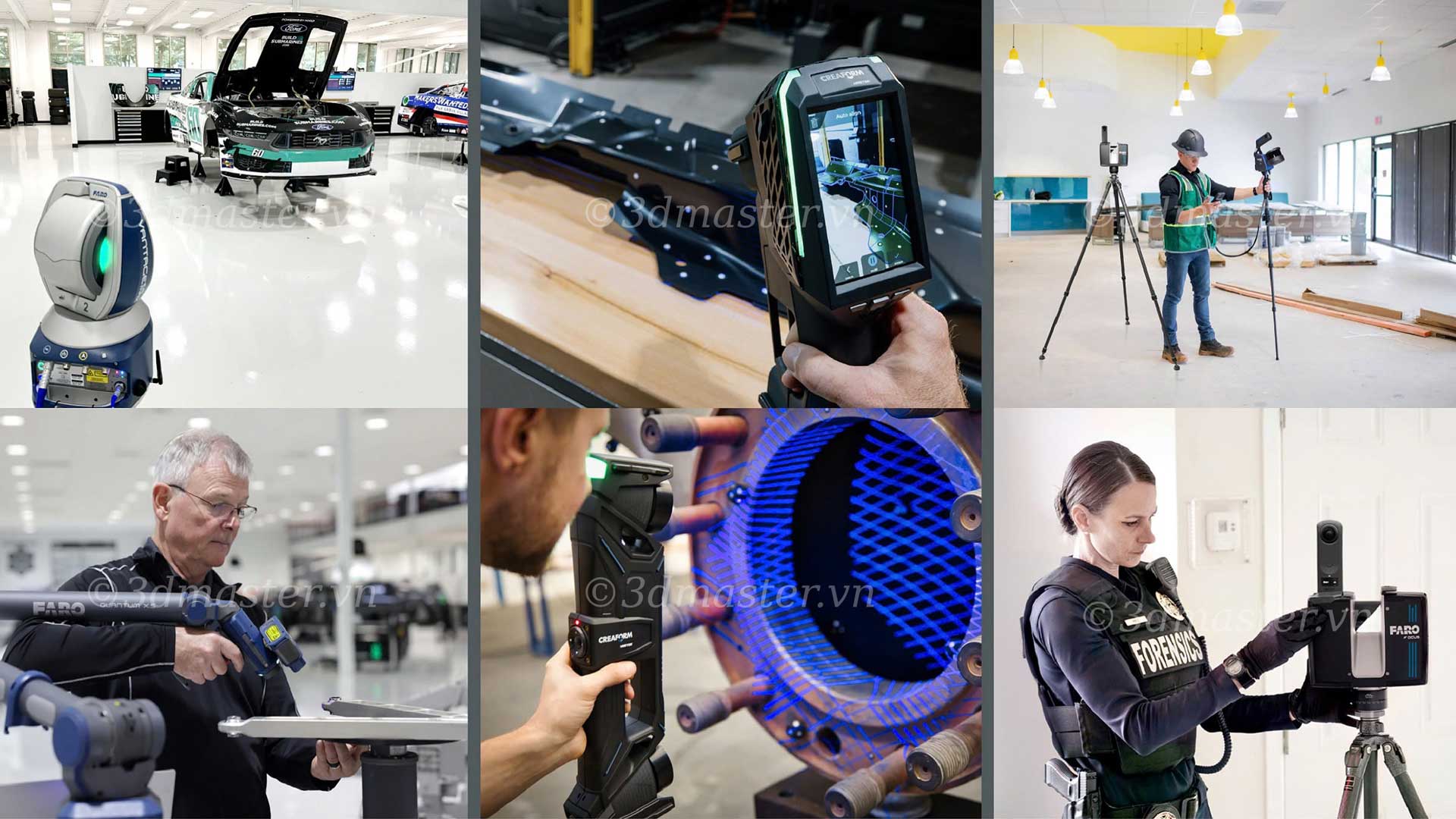
Continuous research and development in LiDAR technology, combined with advances in hardware and software, are making point cloud data increasingly detailed, larger in scale, and more widely applicable. One of these advancements is the ability to colorize point clouds. Adding color provides numerous benefits when viewing and analyzing point cloud data, particularly in the architecture, engineering, construction, and operations (AECO) sectors. In this article, we will explore the benefits of colorization and how to add RGB values to point clouds.
A point cloud can be simply understood as a collection of 3D data points in space. Each point forms part of a dataset used to describe the location, an object, or an area.
A standard point cloud uses X, Y, and Z values to define the position of each point. A colorized point cloud also contains RGB values for each point, representing its corresponding color.
.jpg)
Standard point clouds are already highly valuable data sources, but adding color expands their potential applications. This benefit is relevant to various industries, particularly architecture, engineering, construction, and operations (AECO).
Adding color to a 3D model provides visual context, making the data easier to understand. Most construction and engineering projects involve multiple stakeholders, including people who may not have experience reading technical drawings or diagrams or who cannot visit the survey site in person.
Colorized point clouds provide more realistic and clearer visual representations. For example, a fire extinguisher is easier to identify in a colorized point cloud than in a conventional point cloud. As a result, project stakeholders can interpret and understand the information contained in the data more easily.
One method is to assign colors manually by tagging objects within a point cloud. This approach is particularly suitable when you need to highlight specific areas without placing too much emphasis on color realism.
For example, you can identify objects such as trees, power poles, or telecommunications poles within the surveyed area, then tag them to change the color of each object according to your preferences.
You can partially automate this process by identifying a common group of objects. Alternatively, you can manually select individual objects that need to be assigned a specific color. However, the extent of automation depends on the software being used and whether it supports this functionality.
Photogrammetry is a method of generating point clouds from photographs. To create a point cloud from images, you need a comprehensive set of photographs covering all angles of the object or area being mapped.
Photogrammetry relies on lighting conditions to reproduce colors effectively. Therefore, capturing images in poorly lit environments can result in point clouds with faded colors and reduced visual clarity.
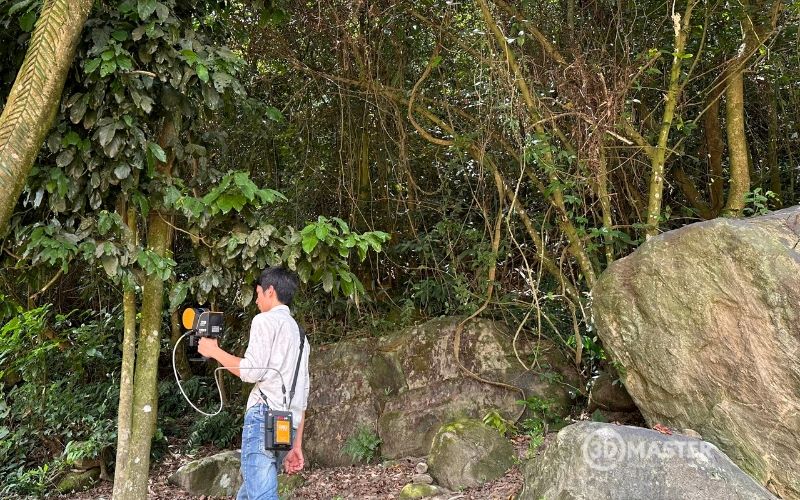
The most effective way to colorize point clouds in spatial surveying is to combine imagery with LiDAR data. One reliable approach is to use a camera integrated with a LiDAR scanner.
This method enables the simultaneous collection of image data and LiDAR data. When these two data sources are combined, they produce a highly detailed 3D model.
Because the camera and laser sensor operate simultaneously, their data is timestamped and synchronized. RGB values are assigned to each point based on the corresponding image capture time or the distance between that point and the camera when the data is recorded.
.jpg)
Note: Both LiDAR systems and 3D scanners can generate point clouds, but they typically differ in survey scale, target objects, and intended applications.
LiDAR is an advanced technology that uses laser beams to measure distances. It emits laser pulses toward object surfaces and then captures the reflected signals to determine the distances and positions of points in space.
Based on the collected data, the system can generate a 3D point cloud that represents the shape and structure of an object or surveyed area.
Some key characteristics of LiDAR technology include:
- Fast data acquisition: Captures hundreds of thousands of points per second, helping reduce survey time.
- 3D spatial reconstruction: Provides X, Y, and Z coordinate data to represent the shapes, dimensions, and positions of objects.
- Versatile scanning methods: Supports stationary scanners mounted on tripods and mobile LiDAR devices for surveying areas of different sizes.
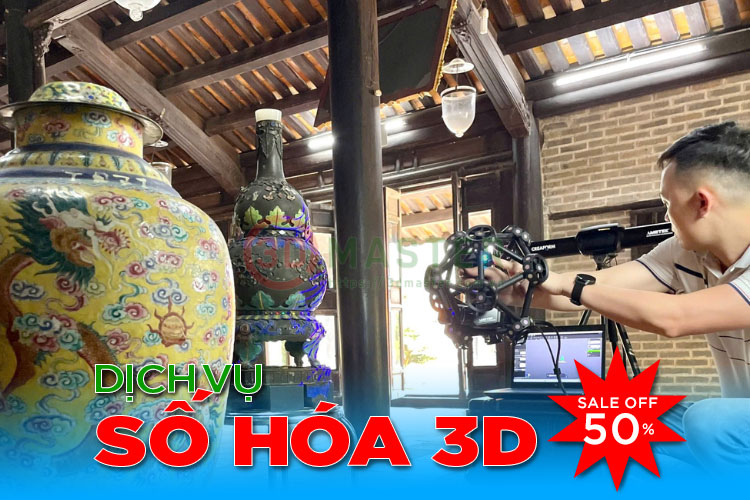
With its ability to capture detailed spatial data quickly, LiDAR is used for building condition surveys, mapping, 3D modeling, and digital heritage preservation.
RGB is a color model consisting of three components: red, green, and blue, each with values ranging from 0 to 255.
By combining these three values in different proportions, a system can represent a wide range of colors for individual points in a 3D point cloud.
To add RGB values, the corresponding color for each data point must be determined. When using a camera in combination with LiDAR, the software matches image data with spatial coordinates to assign colors to the corresponding points.
With manual methods, users can select colors for individual points, groups of points, or objects according to their analysis requirements.
Colors in a point cloud can represent the actual colors of the surrounding environment or be used to classify data. Common examples include:
- True-to-life colors: RGB values are extracted from photographs to represent the colors of walls, rooftops, trees, road surfaces, and other objects in the surveyed area.
- Red (255, 0, 0): Can be used to mark locations requiring inspection, damaged areas, or objects that need attention in the model.
- Green (0, 255, 0): Can be used to distinguish trees, vegetation, or objects belonging to a specific data category.
- Blue (0, 0, 255): Can be used to highlight a separate group of objects, such as structural components or areas requiring monitoring.
- Gray and white: Can be used to represent neutral surfaces, provide a background for other data layers, or help visualize object geometry.
Note: The meaning of each color depends on the classification conventions and intended use of the data. To represent actual colors, the system must obtain RGB values from suitable images. For object classification, users can define their own color schemes.
.jpg)
The process of adding RGB values to point clouds generated using LiDAR typically involves the following steps:
- Data acquisition: Scan the object or area using LiDAR and capture photographs with a camera if realistic color reproduction is required.
- Data alignment: Bring the image data and point cloud into the same coordinate system and establish the correspondence between 3D points and their respective positions in the images.
- RGB assignment: The software extracts color information from images and assigns it to individual points, or users define colors based on object categories.
- Result verification: Inspect the 3D model to identify areas with incorrect colors, missing colors, or inaccurate color assignments.
- Data export: Save the colorized point cloud in a format that supports RGB information, such as PLY or LAS/LAZ, depending on the software and version being used.
Adding RGB values enables 3D point clouds to provide additional visual information alongside spatial coordinates. This allows users to identify objects, distinguish between areas, and present survey results more clearly.
In summary, colorizing 3D point clouds using LiDAR technology makes models more visually informative by representing the shapes, colors, and characteristics of surveyed areas. Depending on the intended application, users can assign colors manually, leverage photogrammetry data, or combine LiDAR with imagery to add RGB values to individual points. Choosing the appropriate method improves object identification, supports data analysis, and enhances the practical value of 3D models in construction, engineering, and existing-condition surveys.
3D Master Contact Information:
Hotline / Zalo / Telegram / WhatsApp / LINE / Viber / KakaoTalk: +84 982 089 198 | 0986333960
Email: cuong3dmaster@gmail.com | hung3dmaster@gmail.com | tech3dmaster@gmail.com
Website: https://3dmaster.com.vn